3rd Place Celebration
Bring your small victories to life with our 3rd Place Celebration meme generator. Use our AI tools to add custom captions to this iconic template and share your over-the-top energy with friends.
3rd Place Celebration
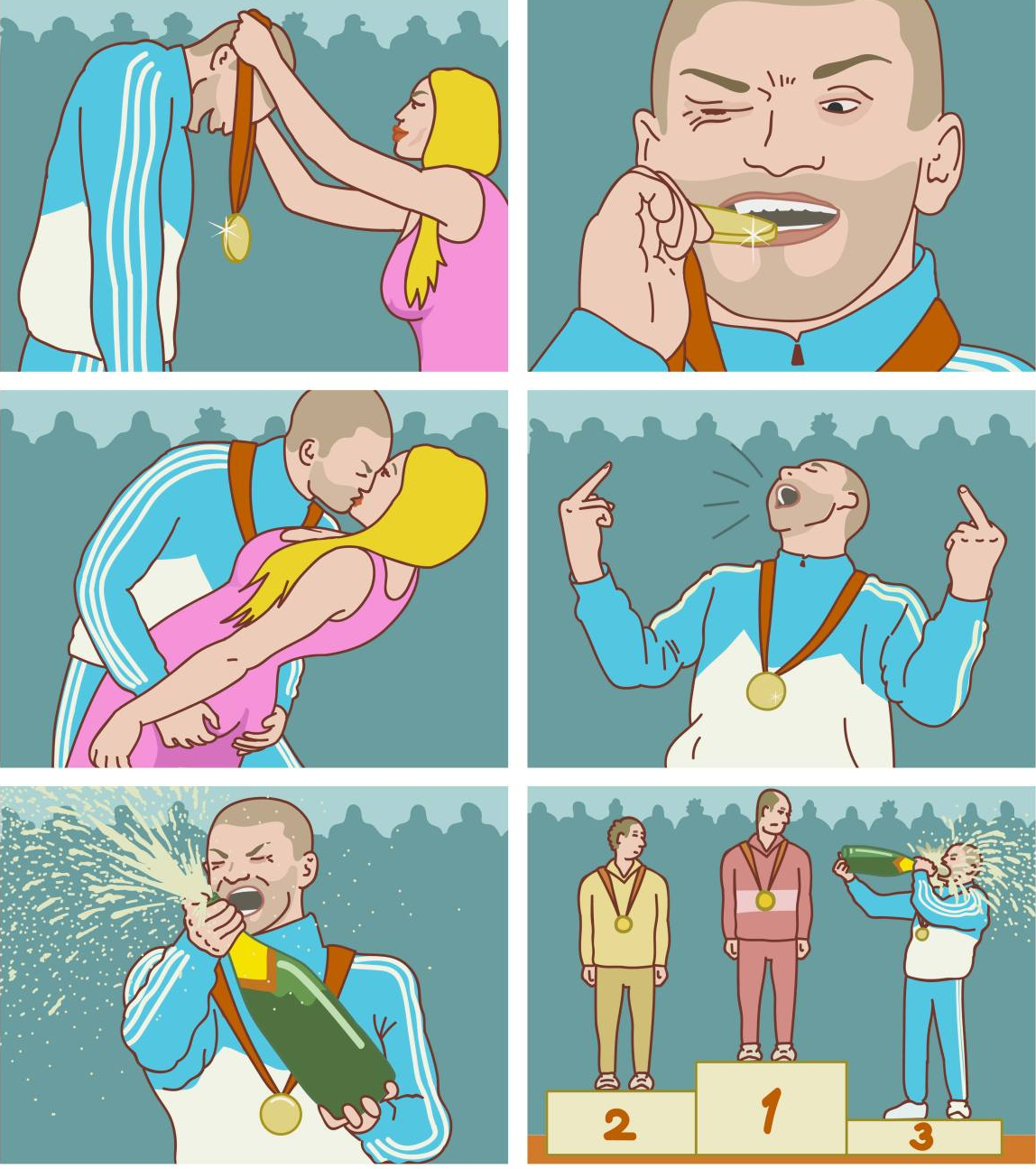
3rd Place Celebration
Edit Post


Frequently Asked Questions
What is the origin of the 3rd Place Celebration meme?
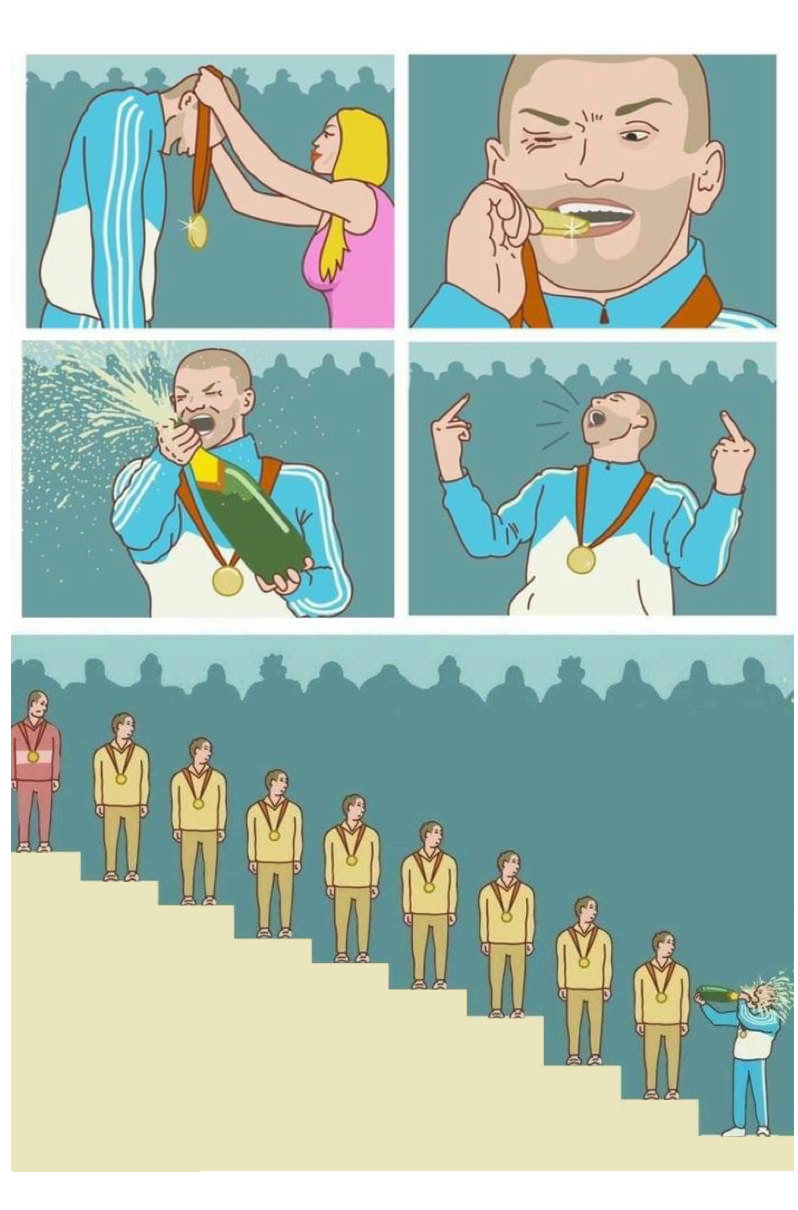
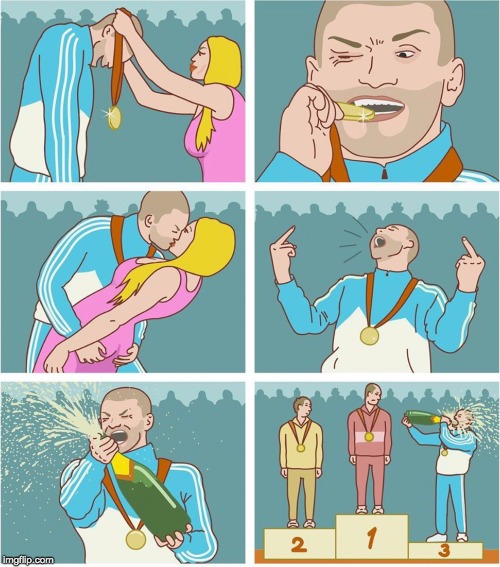
The 3rd Place Celebration meme is based on a 2020 webcomic by Russian artist Igor Kalnikov, known online as 3Palec. The illustration depicts a bronze medalist celebrating his third-place finish with wild, unearned enthusiasm—popping champagne, biting his medal, and kissing the podium girl—while the gold and silver winners look on in confusion. It quickly became a viral sensation as a relatable symbol for celebrating minor achievements, maintaining self-confidence, or simply finding joy in life’s smaller successes regardless of actual rank or status.
Is this 3rd Place Celebration generator free?
No payment needed. The meme generator is free for everyone.
What does the AI do for this meme?
The AI analyzes your topic and writes captions that match the template style. to try it out.
Can I replace the default 3rd Place Celebration image?
Yes! Upload any image you want. Just click upload and select your photo for the meme.
Can I use the 3rd Place Celebration generator without registering?
No registration required. Just open the tool and start creating.
Can businesses use this meme maker?
Perfect for marketing. Use the memes in your campaigns. Custom uploads should be images you own.
How is the 3rd Place Celebration tool different?
Unlike basic tools, this meme maker offers AI writing, engagement predictions, and social sharing. Check out all our tools for creators.
How do I download my 3rd Place Celebration meme?
The meme downloads as PNG with one click. Then post it to any platform.
Does this meme maker support social posting?
Direct posting is built in. Send the meme straight to Twitter and more.
Is there a no-watermark option for this meme?
Free users see a small watermark. Pro users get the meme completely clean with no branding.