Skyrim Eye Width
Create your custom Skyrim Eye Width meme instantly with our intuitive online editor. Whether you're reacting to surprising news or just gaming, Post2x makes it simple to customize this iconic character creation screen.
Skyrim Eye Width
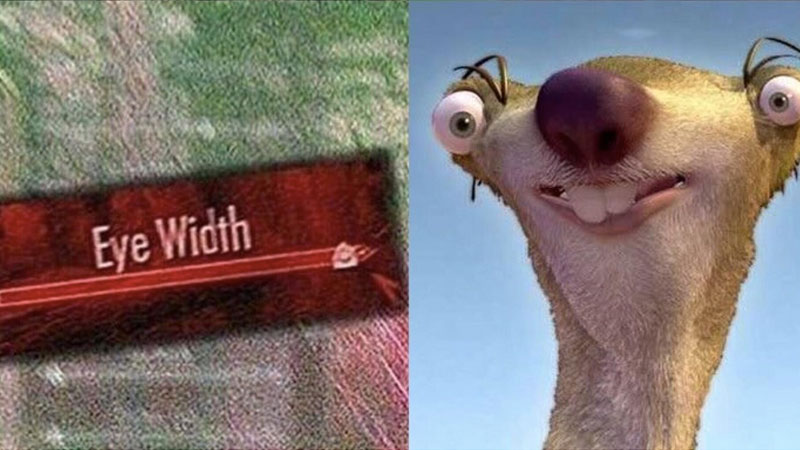
Skyrim Eye Width
Edit Post
More Like This
Frequently Asked Questions
How did the Skyrim Eye Width meme start?
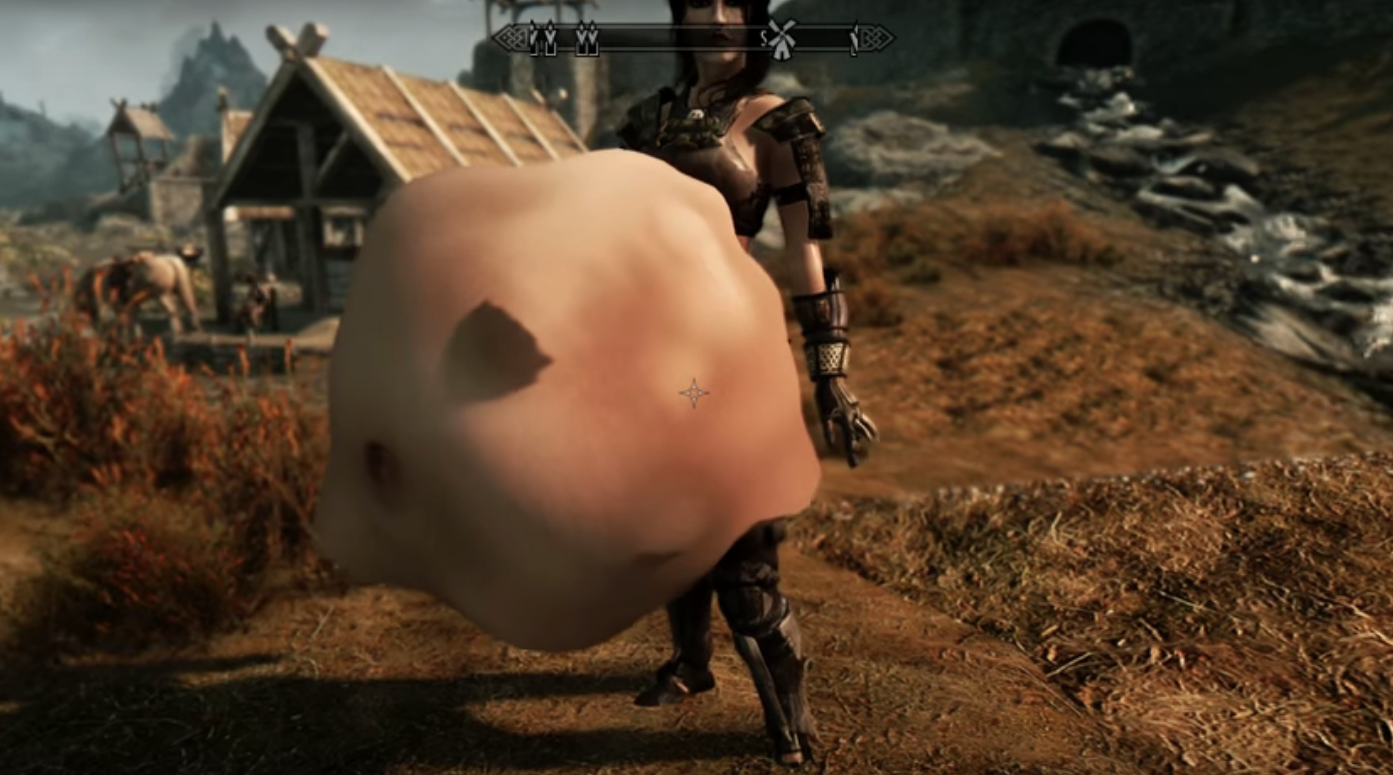
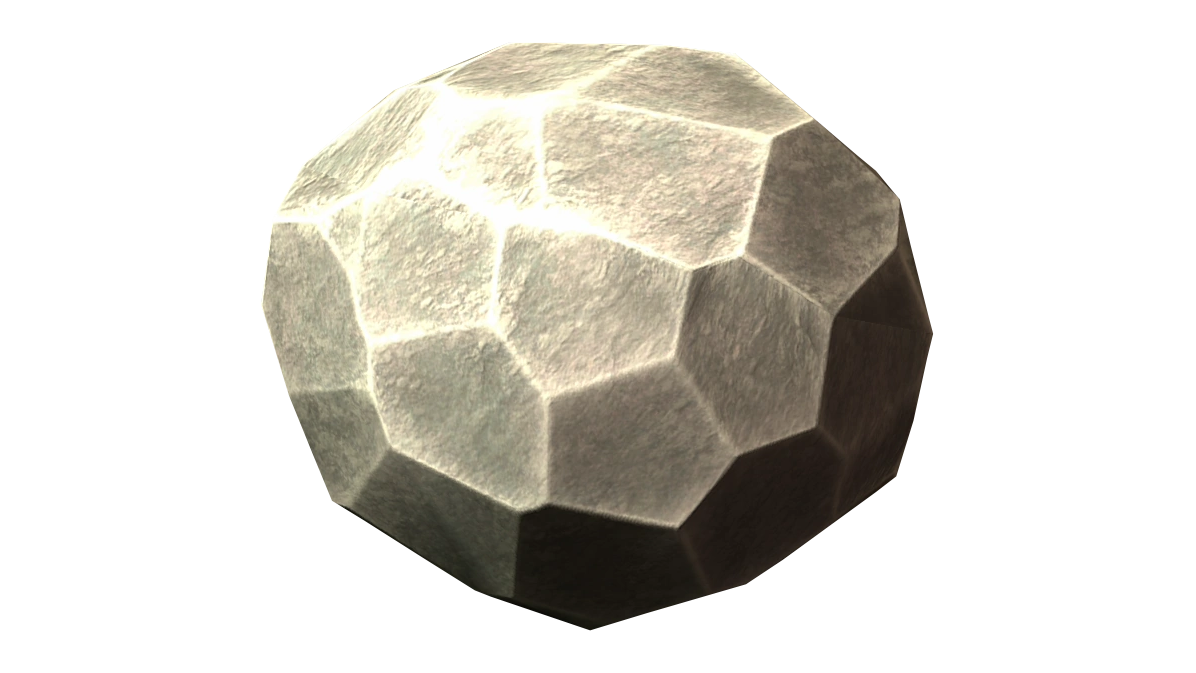
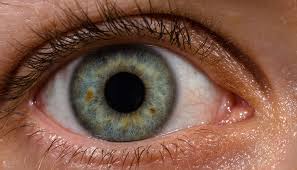
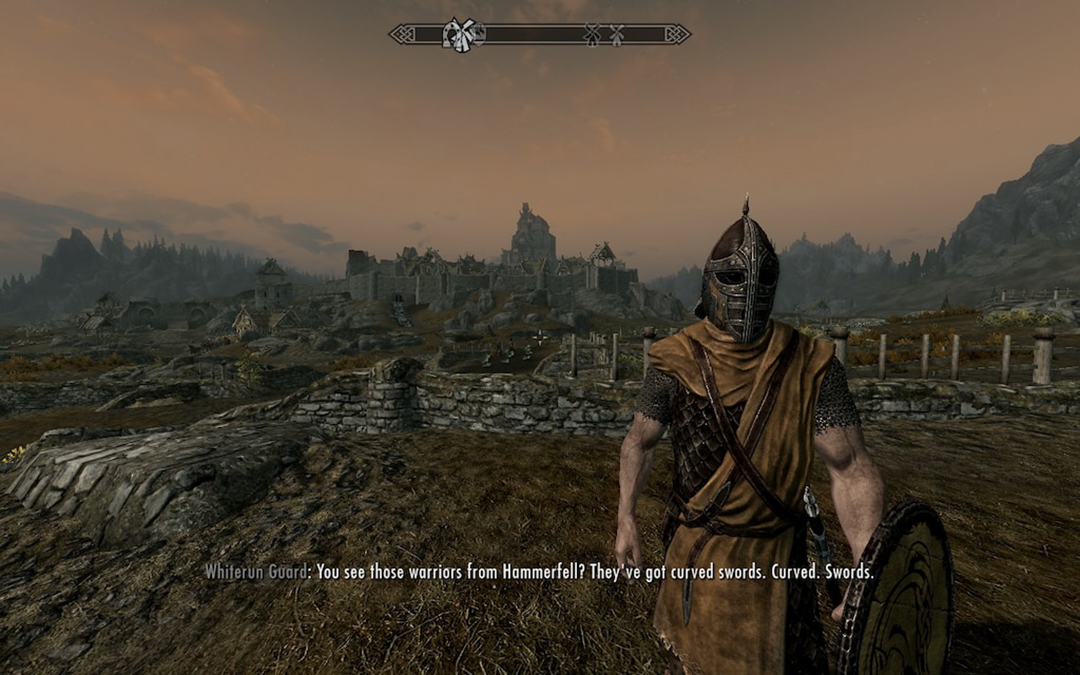
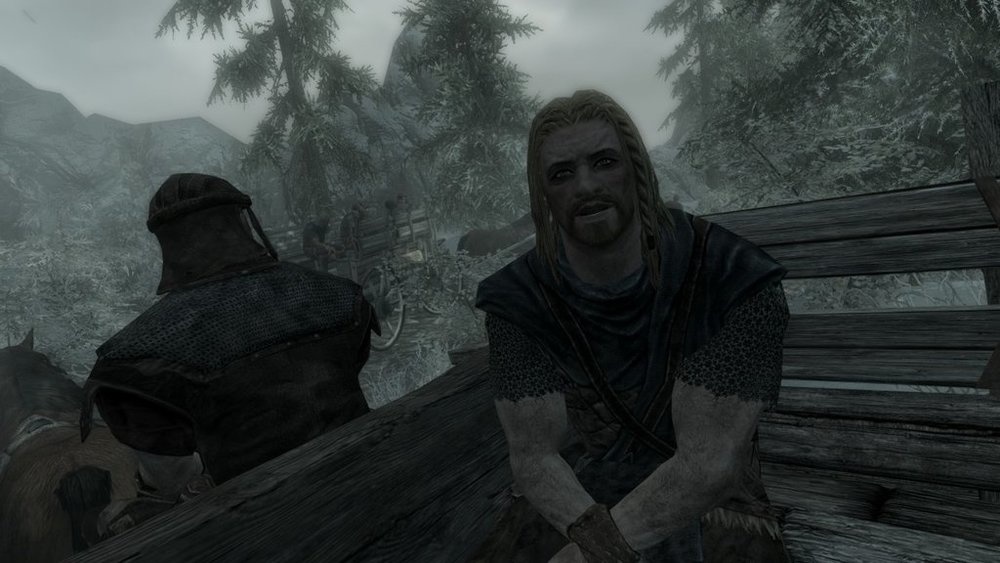
The Skyrim Eye Width meme originates from the character customization menu in Bethesda's 2011 RPG, The Elder Scrolls V: Skyrim. It typically features two screenshots of the 'Eye Width' slider: one at a neutral setting and another maxed out to the right, causing the character's eyes to bulge hilariously. The meme serves as a visual metaphor for shock, intense focus, or a heightened state of emotion in response to escalating information. It gained massive popularity in gaming communities as a relatable way to depict 'wide-eyed' reactions, often applied to plot twists, internet drama, or surprising real-world events.
Can I create Skyrim Eye Width memes for free?
Yes, completely free. Create and download as many Skyrim Eye Width memes as you want at no cost.
How do I get AI-generated Skyrim Eye Width text?
The AI analyzes your topic and writes captions that match the template style. to try it out.
Is it possible to customize the meme image?
Yes! Upload any image you want. Just click upload and select your photo for the meme.
Can I use the Skyrim Eye Width generator without registering?
Totally optional. Create Skyrim Eye Width as a guest. Register later if you want saved memes.
Can I use Skyrim Eye Width in marketing?
Commercial use is allowed. Create meme content for your brand, just respect image copyrights.
What sets this meme generator apart?
AI-powered captions, instant downloads, and social posting make the Skyrim Eye Width generator stand out. See what else Post2x offers.
How do I download my Skyrim Eye Width meme?
Hit the download button to save the meme. It exports as a PNG image file.
How do I post my meme to social media?
One-click sharing to social media. Your meme goes live on X or other platforms immediately.
Does the meme have a watermark?
Pro members get watermark-free downloads. Perfect for professional use and social media posting.