Telegram Duck GIFs
Unleash your creativity with our Telegram Duck GIF meme generator, the easiest way to add your own spin to this viral bird. Whether the duck is dancing or confused, Post2x makes it simple to create high-quality animated memes for your chats.
Telegram Duck GIFs
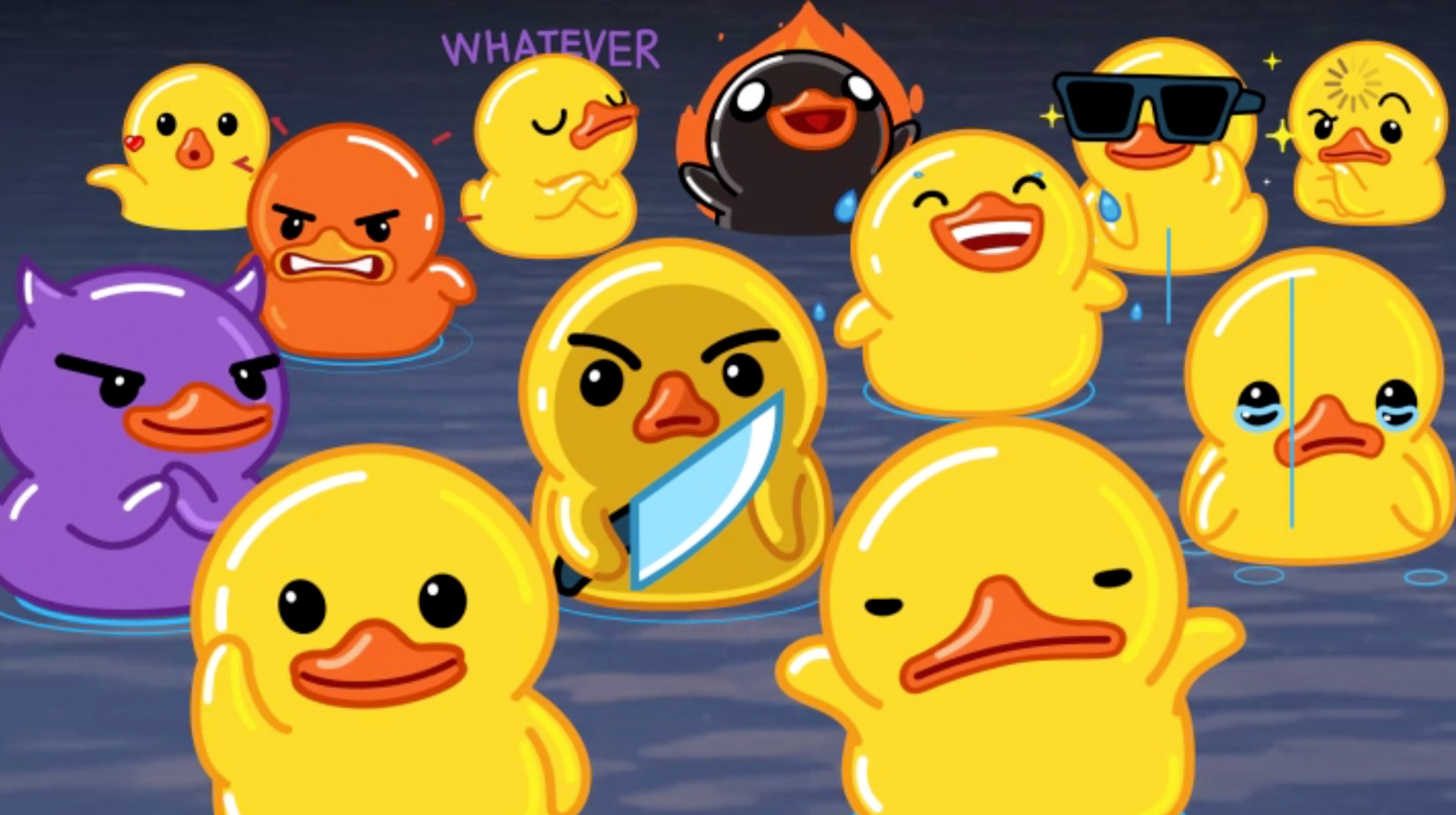
Telegram Duck GIFs
Edit Post
Frequently Asked Questions
Where did the Telegram Duck GIFs meme come from?
The Telegram Duck, officially known as the yellow duck from the 'Duck' sticker pack, has become a staple of internet culture due to its expressive and quirky animations. Originally created as part of Telegram's default sticker set, these ducks gained viral fame across other social media platforms like TikTok and Twitter as reaction GIFs. From the 'confused duck' to the 'dancing duck,' the character represents a wide range of relatable emotions, often used to depict social awkwardness, excitement, or general chaos. Its simple design and smooth animation make it the perfect canvas for internet humor, allowing users to pair its frantic movements with various relatable life situations.
Is the Telegram Duck GIFs tool free to use?
Absolutely free to use. No hidden fees or subscriptions required for the meme maker.
What does the AI do for this meme?
The AI analyzes your topic and writes captions that match the template style. to try it out.
Can I replace the default Telegram Duck GIFs image?
Upload yours and create a personalized Telegram Duck GIFs. Works with any image.
Can I use the Telegram Duck GIFs generator without registering?
Nope! Use the meme maker right away. Signing up is optional and unlocks extra features.
Can I use Telegram Duck GIFs in marketing?
Yes, you can use Telegram Duck GIFs for business and marketing. Just ensure you have rights to any custom images you upload.
Why choose this for Telegram Duck GIFs?
The AI actually understands meme culture, plus there is analytics and easy sharing. Discover more Post2x features.
How do I get my meme file?
Click "Download" and your Telegram Duck GIFs saves as a high-quality PNG. Share it anywhere.
How do I post my meme to social media?
Direct posting is built in. Send the meme straight to Twitter and more.
Is there a no-watermark option for this meme?
Yes! The no-watermark option is available for Pro subscribers. Your Telegram Duck GIFs exports completely clean.